Free · It updates itself

Download Clario

Free for Mac and Windows. Version v1.0.3, released 22 Nov 2026. What's new

197 MB · Apple silicon, macOS 14 or later
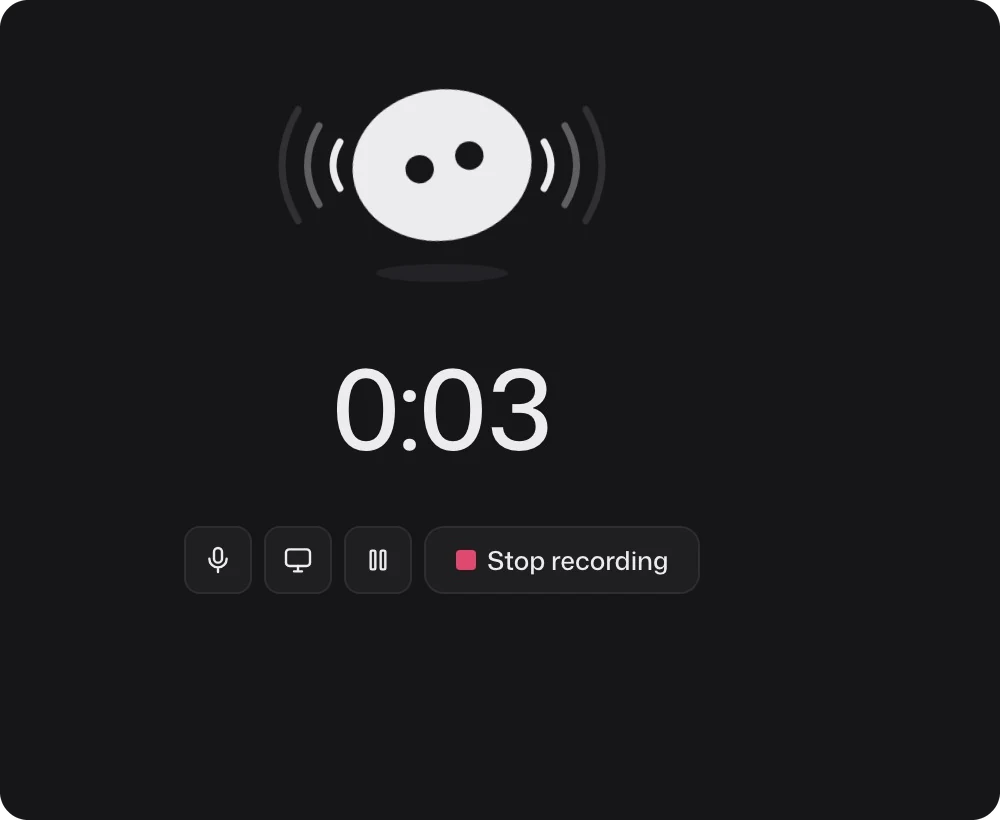
Clario recording a meeting: the timer at 0:03 and the stop button, with its face listening

Two installers

Choose your computer.

Mac

Apple silicon (M1 or later), macOS 14 or later

197 MB · .dmg disk image

Windows

64-bit Windows PCs

v0.3.3 · 256 MB · .exe installer

The installer is not signed yet, so SmartScreen asks first. Choose More info, then Run anyway.

Three steps

After you install

01

Sign in once

With your Google account. After that, recording and transcription work offline.

02

Allow what it records

Your computer asks for the microphone and its own audio, so both sides of a call are kept. Clario then asks which screen or window to show.
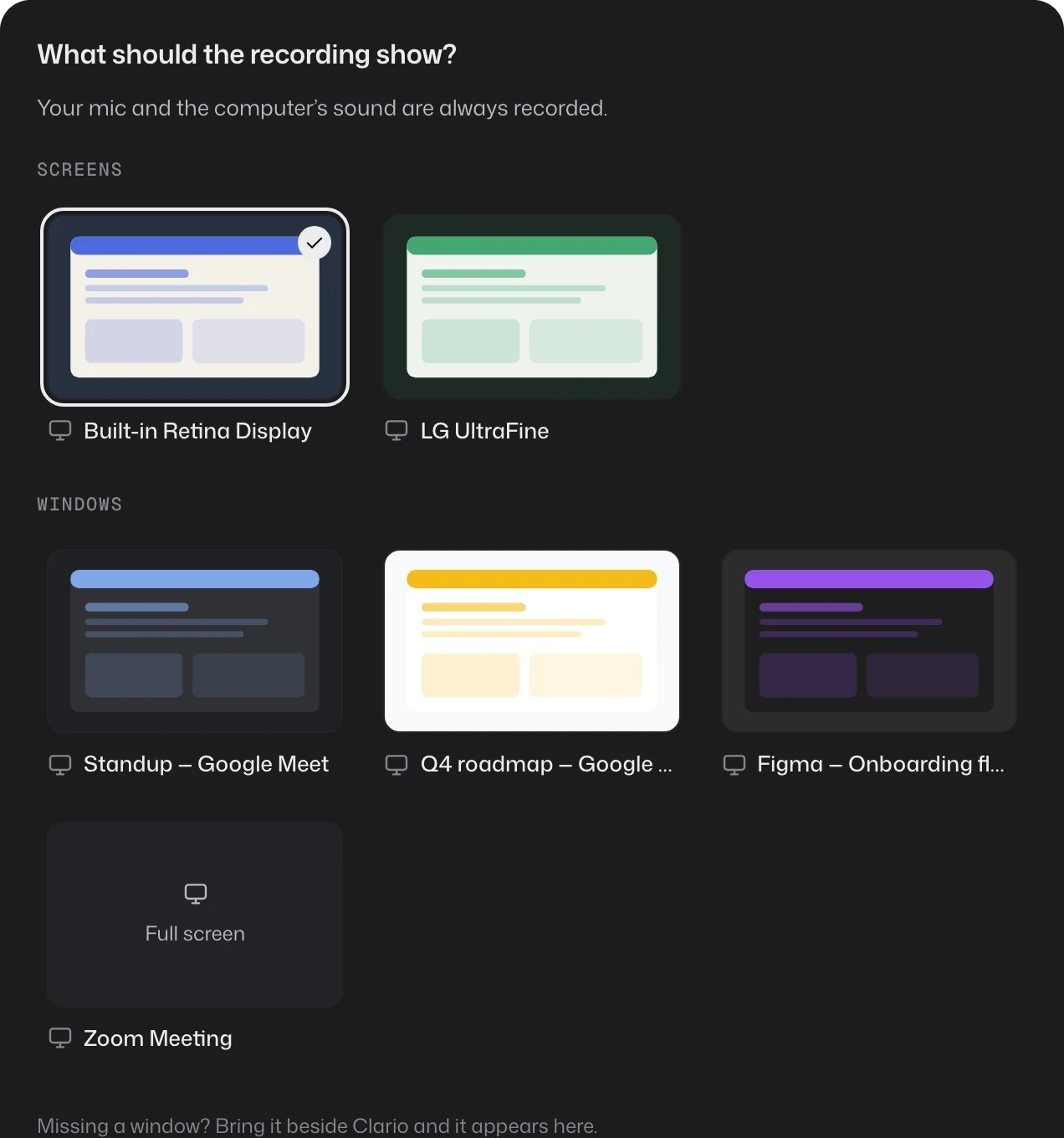
What should the recording show? Your mic and the computer's sound are always recorded; pick a screen or a window

03

Record your next meeting

Press Record, drop in a file, or send the bot to a Google Meet link.
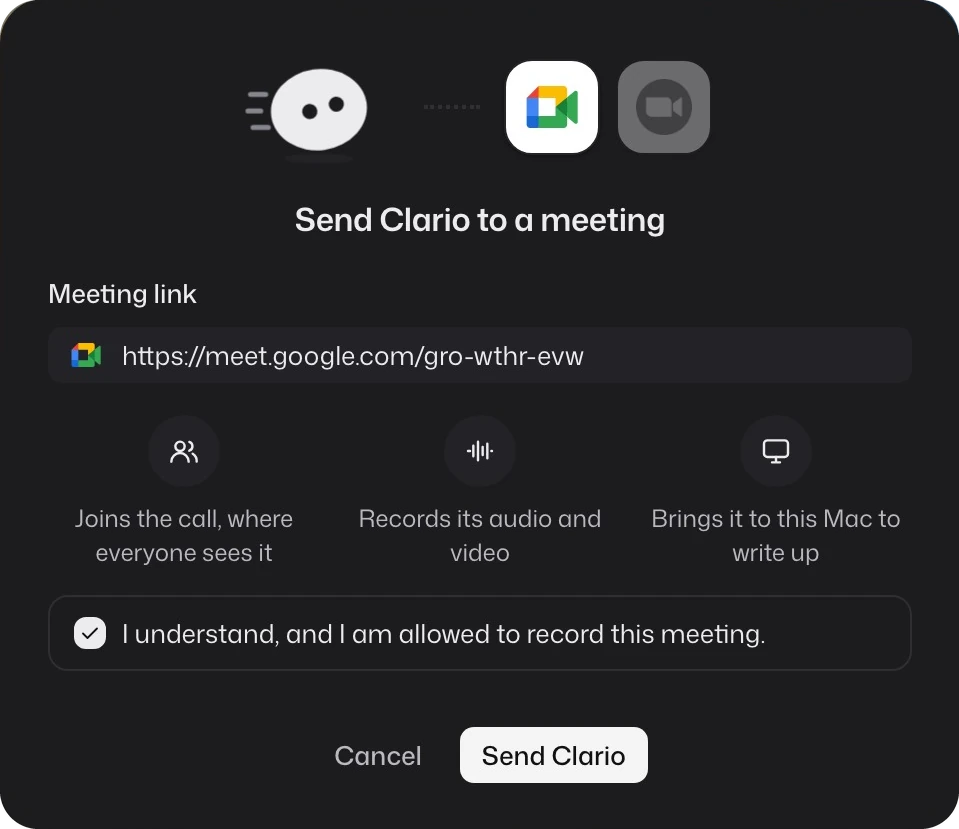
Send Clario to a meeting: paste the link, and it joins the call

Before you start

What you need

A computer
A Mac with Apple silicon, or a 64-bit Windows PC.
An account
A Google account, to sign in once.
An AI connection
A ChatGPT plan or an API key, for the minutes and for questions. Its charges and limits apply. ChatGPTClaudeGemini
Updates
Clario updates itself. Every version is on the changelog, with what changed.